
Medical Records for Handicap Placards: HandicapMD Publishes Patient Preparation Checklist
HandicapMD introduces a checklist for selecting relevant records, requesting readable copies, and separating clinical
Press Release Disclaimer: This is a press release distributed through the XPR Media network. It has not been independently verified by our newsroom.
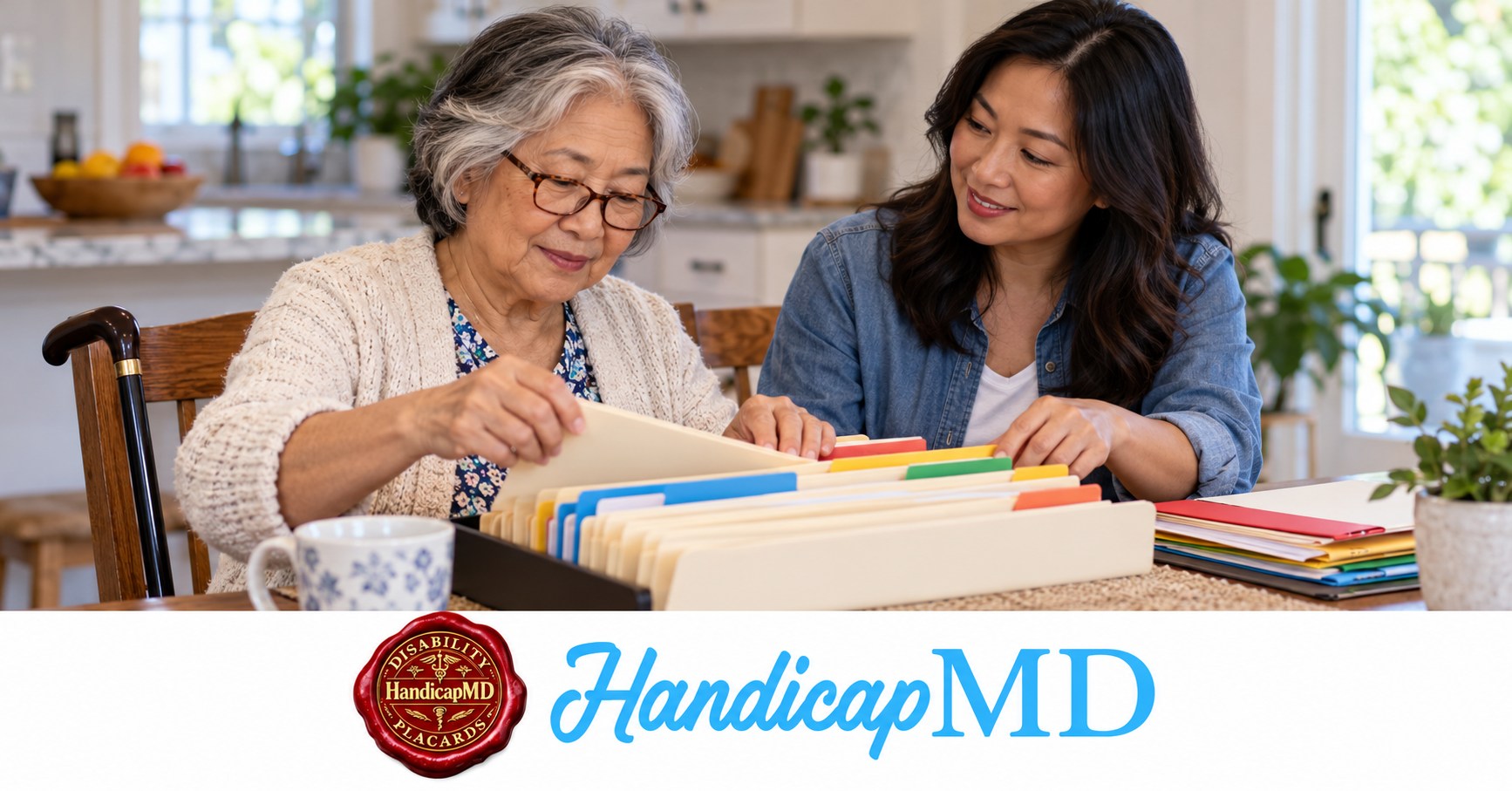

HandicapMD introduces a checklist for selecting relevant records, requesting readable copies, and separating clinical evidence from agency paperwork.
WASHINGTON, DC, UNITED STATES, November 10, 2026 /EINPresswire.com/ — HandicapMD is publishing a patient preparation checklist to help people decide which medical records may be useful for a handicap placard evaluation. The resource addresses a common paperwork problem: a patient may have many documents without knowing which one answers the clinician’s question. It separates supporting records from medical certification and from the identifying material required by a government issuing office.
The medical records preparation checklist encourages a focused request instead of a default instruction to collect an entire lifetime chart. Readers can visit HandicapMD for evaluation information and use the national handicap parking eligibility guide to understand the state context behind certification. The checklist does not promise record-free approval, require the same tests for everyone, or turn a folder of documents into an issued parking credential.
Begin with the question the clinician needs answered
A useful record has a purpose in the assessment. A recent note may explain current walking restrictions, a discharge document may identify the procedure behind a temporary limitation, or a specialist assessment may clarify a particular finding. Ask the evaluating practice which question remains open before requesting another large file. The best next document is the relevant one, not necessarily the longest.
Write the requested item in plain language. If the practice needs a complete pulmonary report, an appointment reminder may not answer it. If it needs the current restriction after surgery, an old operation date alone may leave the issue unresolved. Confirm the document type, date range, and source when those details matter. A focused request can make the task easier for the patient and records office.
The patient does not need to interpret every medical term independently. Explain what is available and ask which material helps. If a report seems unrelated, identify that uncertainty rather than discarding it silently or presenting it as proof of eligibility. The clinician evaluates the information and decides whether the assessment supports the required statement or needs further evidence.
Sort paperwork by its role
Medical records describe care, findings, and history. Medical certification records an authorized professional’s determination in the form the issuing program accepts. Applicant paperwork identifies the person and transaction. These roles can overlap in the information they contain, but one document should not automatically be treated as a substitute for another. A discharge summary is not necessarily the required signed application.
The distinction can prevent two opposite mistakes. A person with extensive records may still lack the certification the agency requests. Another person with a properly completed certification may not need to send the agency every supporting treatment note. Read the current submission instructions and ask the evaluating clinician separately about clinical preparation. Each recipient should receive the material appropriate to its task.
A prior disability benefits decision, workplace accommodation letter, or insurance approval also has its own purpose. It may provide background without establishing the parking program’s specific criterion. If such a document seems relevant, ask whether the underlying clinical assessment is useful. Do not assume another organization’s approval transfers automatically to a government parking application.
Look for complete notes in the patient portal
A portal may contain several items for the same appointment: a reminder, a brief visit summary, results, and a clinician note. Identify the item the evaluator requested. A list showing that an appointment occurred may omit the findings or restrictions needed for certification. Open the document and check that it concerns the correct patient, date, and clinical issue.
When available, a complete downloadable copy can preserve the relevant wording more clearly than several cropped screenshots. Keep the author, date, and any continuation page visible. Do not remove a sentence because it appears less favorable to the application. If screenshots are the only option, ask whether the practice accepts them and ensure the full relevant passage is readable.
Check the file after saving it. A download that opens to a login screen, an empty page, or the wrong appointment will not answer the request. The patient can verify readability without editing medical content. If a document cannot be found, contact the source practice or portal support and explain the specific item needed rather than repeatedly downloading unrelated material.
Request information from the source that holds it
Identify which practice, hospital, therapist, or testing facility created the relevant record. A primary care portal may show a reference to an outside assessment without containing the complete report. Ask the source organization how to obtain the copy. Keep a note of the request, the destination, and any instructions for following up when the record is not immediately available.
The Department of Health and Human Services explains that, with limited exceptions, individuals have rights to access health information maintained by covered providers and health plans. Its guidance also discusses readable formats. The checklist uses that context to encourage a direct request to the record holder; it does not promise that every document can be downloaded instantly or that every requested format must exist.
Ask about the process before making assumptions about fees, authorization, or delivery. A request for your own copy and a request involving another recipient may follow different instructions. If a companion helps, confirm how the provider recognizes that assistance. Do not casually share portal passwords or assume that a relative’s involvement in transportation grants access to every health record.
Make dates and current instructions visible
An older record can establish a history while a newer note explains present function. Neither should lose its date. A temporary restriction issued before a later review should not be presented as though it necessarily remains unchanged. Include the relevant context when records appear different, and let the clinician determine what the current assessment supports.
The age of a supporting record is also different from the permissible date of a certification signature. An agency may specify a timing requirement for its application. A longstanding diagnosis does not automatically keep an old signed form valid. Check the transaction’s current instructions while asking the evaluator whether existing clinical information is sufficient.
A simple document list can contain three entries for each item: its name, date, and reason it is included. This is an organizational tool rather than an additional government form. It can help the patient and clinician find the relevant passage quickly, especially when several offices contributed information or an old summary has been superseded by more recent instructions.
What to do when records are missing
Tell the evaluating practice what the gap actually is. Records may be held elsewhere, unavailable through a portal, awaiting release, or absent because the concern has not been assessed previously. Those circumstances require different next steps. Ask whether the planned evaluation can begin and what additional information might be necessary before a certification decision is made.
Do not assume that the lack of a folder automatically establishes ineligibility. Equally, do not accept a promise that any person can receive certification without adequate information. A legitimate assessment leaves room for further questions, another examination, or a conclusion that the criteria are not supported. Missing documents should not be replaced with invented findings or someone else’s records.
While waiting, prepare an honest account of the issue being evaluated. Describe ordinary mobility, necessary support, relevant changes, and uncertainty about details such as distance. This account can help organize the conversation without becoming a substitute for required evidence. Do not undertake an unsafe test or change treatment to create an application example.
Protect records during preparation and sharing
Use the evaluating practice’s designated method for clinical documents. Verify the recipient and the file before sending. A family group chat or public forum is not an appropriate place to post a completed application merely to ask a general question. Share only what the intended recipient needs for the identified task, following its instructions.
Keep original copies separate from working notes. A helper may add a document index or a question list, but should not modify the clinician’s wording, paste a signature, or remove identifying context from a report that needs it. If a medical record contains an apparent error, contact the source organization about its correction process rather than editing the original yourself.
Consider where downloaded files and printed pages will remain after the task. The applicant can decide who keeps copies and how a helper’s access ends. A shared travel itinerary may need an appointment time without needing the medical report behind it. Privacy planning can be practical without promising that every possible communication channel offers the same protections.
Review the submission packet separately
After any appropriate certification, compare the government’s instructions with the actual application. Check the requested credential, applicant details, required signatures, and specified enclosures. The clinical record folder should not distract from an unfinished applicant section. An impressive packet can still be incomplete if the essential form is missing a required field or has been directed to the wrong office.
California’s original placard application service illustrates the need to distinguish products and documents: it requests the relevant signed form and identity information, while other transactions have their own routes. That example should not be treated as a national upload checklist. Confirm the current process for the actual jurisdiction and whether the request concerns an initial credential, renewal, or replacement.
Keep the submitted version and confirmation together. If the office asks for a correction, preserve its notice and identify the exact missing item. A question about the medical section should go to the certifier; an address or identity question should go to the issuing office. Avoid sending repeated, inconsistent versions without explaining which request each supports.
Use preparation to make the appointment more focused
At the start of the evaluation, identify the state, the transaction, and the concern to be assessed. Have the relevant records accessible and say which requested items remain unavailable. The clinician can then explain what can be considered and what still needs clarification. Organized preparation supports the discussion but does not decide its result in advance.
Before the visit ends, ask how any further request will arrive and how to provide the needed material. Repeat an unfamiliar document name back to confirm it. The patient can leave with a clear next action even when the assessment is incomplete. A specific request is easier to follow than a general instruction to obtain more paperwork.
If an imaging study is relevant, ask whether the written report or the image files are needed. They are different materials and can require different access arrangements. Do not schedule another scan because the original file is difficult to upload. First explain the available format and ask what would answer the current clinical question. Record collection should follow the assessment’s needs rather than generate unnecessary new investigations.
About the patient preparation checklist
HandicapMD’s checklist explains relevance, readable copies, source requests, document roles, and careful submission. It supports independent medical evaluation when appropriate while leaving the final parking credential decision with the government authority. The resource does not guarantee medical certification, issue the permit, provide a universal record-age rule, or claim that a particular page count establishes eligibility.
Readers can begin with the smallest unresolved document question and ask the responsible organization how to answer it. A focused note, the current application, and a relevant existing record can provide a clearer starting point than an unsorted archive. The objective is understandable information for an individual assessment and an accurate submission, with personal records handled thoughtfully throughout the process.
About HandicapMD
HandicapMD provides online medical evaluations related to disability parking certification. When supported by the clinical assessment and applicable requirements, a licensed clinician completes the medical portion of the relevant application. The company’s educational resources explain state processes and help residents prepare questions. Government agencies retain responsibility for reviewing applications and issuing parking credentials.
https://www.handicapmd.com/
Crystal Dennon
HandicapMD
help@handicapmd.com
Visit us on social media:
Instagram
Facebook
YouTube
Skip the Doctor’s Office Line with HandicapMD
Legal Disclaimer:
EIN Presswire provides this news content “as is” without warranty of any kind. We do not accept any responsibility or liability
for the accuracy, content, images, videos, licenses, completeness, legality, or reliability of the information contained in this
article. If you have any complaints or copyright issues related to this article, kindly contact the author above.

Media gallery


